 Business License

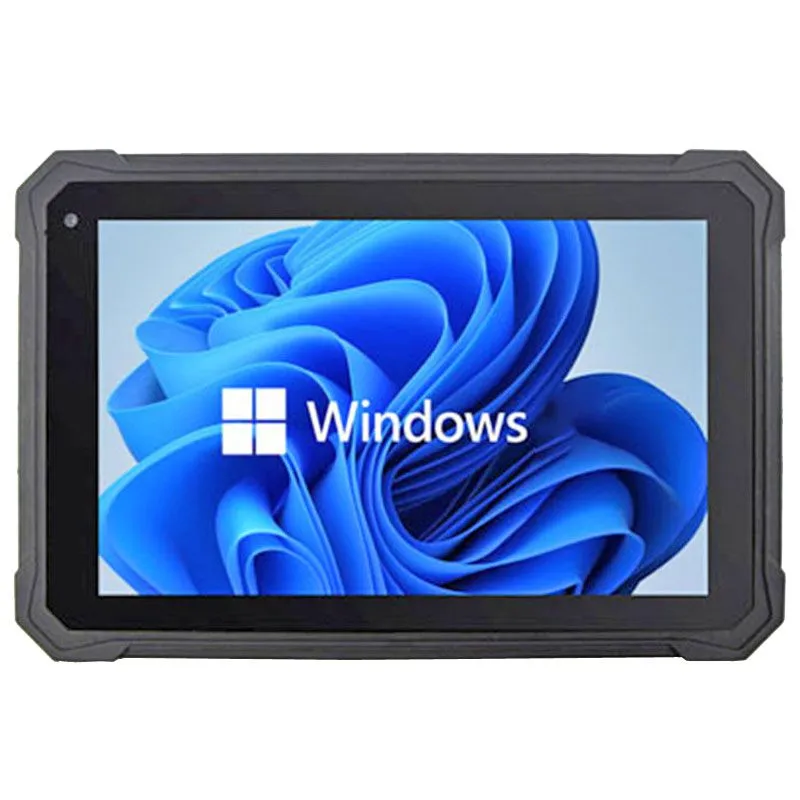
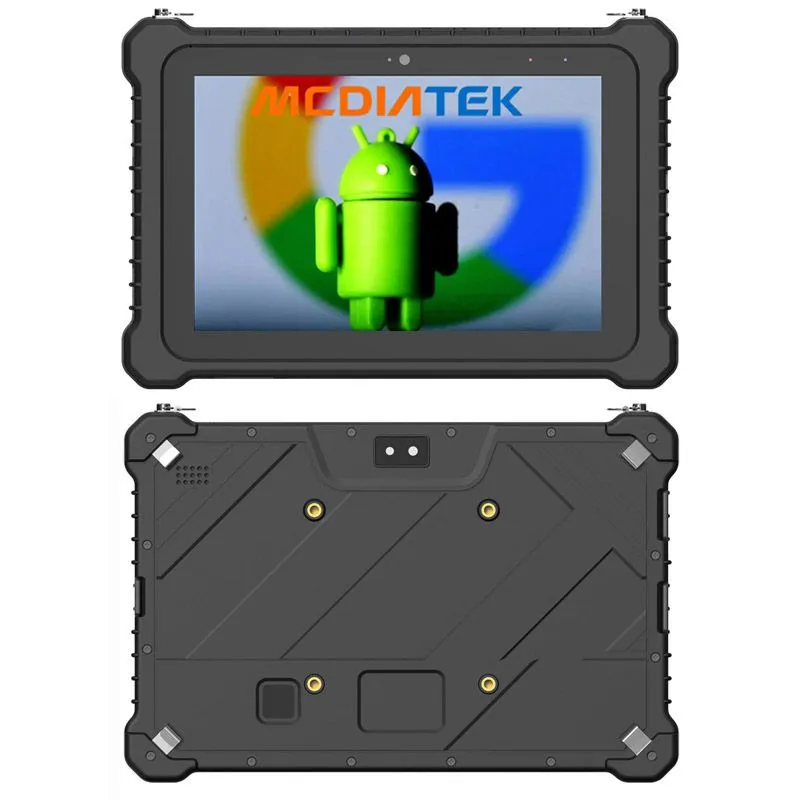
Which is better, a rugged tablet running Android or Windows?
This is a fundamental question when choosing a rugged tablet, and the answer isn't about one being universally "better," but about which is the right tool for the job.
The choice between a rugged Android tablet and a rugged Windows tablet boils down to your specific application, software needs, and workflow.
Here’s a detailed comparison to help you decide.
Detailed Comparison Table
| Feature | Rugged Android Tablet | Rugged Windows Tablet |
|---|---|---|
| Core Philosophy | A powerful, durable smartphone for work. | A desktop computer in a durable, mobile form factor. |
| Software & Ecosystem | Mobile apps from the Google Play Store. Perfect for custom data collection apps, inventory management, and PWA web apps. | Full desktop software (e.g., full Microsoft Office, AutoCAD, Sage, custom Win32/.NET apps). |
| Performance & Hardware | Typically uses ARM-based processors (e.g., Qualcomm). Power-efficient, leading to longer battery life. | Typically uses x86-based processors (Intel Core or Celeron). More raw power for heavy multitasking and complex computations. |
| User Interface & Ease of Use | Touch-first and intuitive. Minimal training required for users familiar with smartphones. | Designed for keyboard and mouse. Can be cumbersome with touch-only, though Windows 11 has improved this. |
| Peripheral & Connectivity Support | Good support for common peripherals via USB-C or proprietary ports. Support for barcode scanners, RFID, etc., is often built into the device or available. | Superior peripheral support. Native support for a vast range of legacy and industrial devices (e.g., serial/RS232 devices, specialized printers, PLC programmers). |
| IT & Device Management | Excellent for large-scale deployments using Mobile Device Management (MDM) platforms like VMware, SOTI, or Hexnode. Easy to lock down and manage. | Managed via traditional IT tools like Microsoft Active Directory and Group Policy. Integrates seamlessly into existing corporate IT infrastructure. |
| Total Cost of Ownership (TCO) | Generally lower. Lower hardware cost and no (or low) operating system licensing fees. | Generally higher. Higher hardware cost and Windows licensing fees. |
| Security | App sandboxing provides a secure base. Managed through MDM for policy enforcement. | A larger attack surface due to its open nature, but can be secured deeply with corporate IT policies, firewalls, and antivirus software. |
How to Choose: Let Your Use Case Decide
When to Choose a Rugged Android Tablet:
Frontline Workforce Tasks: Your workers are constantly moving, scanning, and checking off tasks.
Examples: Warehouse picking and packing, delivery drivers, retail shelf auditing, asset inspection with checklists.
You Rely on Specific Mobile Apps: Your workflow is built around a mobile application from the Play Store or a custom-built Android app.
Simplicity and Long Battery Life are Key: You need a device that can last multiple shifts on a single charge and requires minimal training.
Budget is a Primary Concern: You need to equip a large team with durable devices without a high per-unit cost.
In short: Choose Android for a focused, mobile, and cost-effective tool for the frontline.
When to Choose a Rugged Windows Tablet:
You Need Full Desktop Software: Your work requires software that only runs on Windows.
Examples: An field engineer needing to run AutoCAD to view and edit schematics, a surveyor using advanced GIS software (like ArcGIS), a production supervisor using a full ERP client.
Deep Integration with Corporate IT: The device needs to join a company domain, access network drives, and be managed by the corporate IT department using existing Windows tools.
Heavy Peripheral Use: You need to connect to legacy or specialized equipment that uses serial ports (RS232) and only has Windows drivers.
It's a Mobile Workstation: The tablet will be docked to function as a desktop PC with a large monitor, full keyboard, and mouse, while still being undocked for use in the field.
In short: Choose Windows for complex data processing, running professional desktop software, and deep IT integration.
Conclusion: The Final Decision Checklist
Answer these questions to find your winner:
What is the #1 most important software the tablet MUST run?
If it's a mobile app or a web app -> Lean towards Android.
If it's a full desktop program -> You need Windows.
Who is the user and what is their primary activity?
A frontline worker doing repetitive, mobile tasks -> Android.
A technical professional analyzing data, designing, or managing complex systems -> Windows.
What is your budget and IT management strategy?
Large-scale deployment, managed remotely by an MDM -> Android is efficient.
Small team or deep integration with existing Windows IT -> Windows fits naturally.
By aligning the strengths of each operating system with your specific operational needs, you will make the correct and most cost-effective choice for your business.

Contact Us
Recommended Products
-
 HR1058 Hidon Factory 10.1 Inch Android 12 MediaTek 8GB+128GB Rugged Tablets With NFC Fingerprint RJ45 RS232 2D Barcode Scanner UHF RFIDUS$ 312 - 332MOQ: 1 Piece
 -
HR1095 Cheapest Factory 11 Inch Android 14 FHD 8GB+128GB IP68 Rugged Tablet With NFC and HandbeltUS$ 213 - 233MOQ: 1 Piece
-
HR1087 Hidon Factory 10.1'' Android 13 MTK8788 8-core 8GB+256GB IP68 10000mAh Rugged Tablet Pc With NFC Hand Belt Stylus PenUS$ 213 - 233MOQ: 1 Piece
-
HR1065C Cheapest Factory 10.1 Inch Android MTK 8 Core 8GB+128GB Rugged Tablet With RJ45 RFID NFC 2D Barcode and Fingerprint ScannerUS$ 280 - 300MOQ: 1 Piece
-
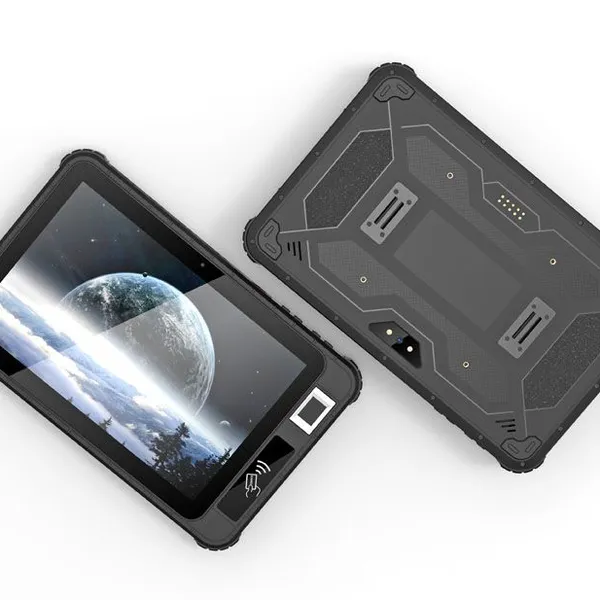
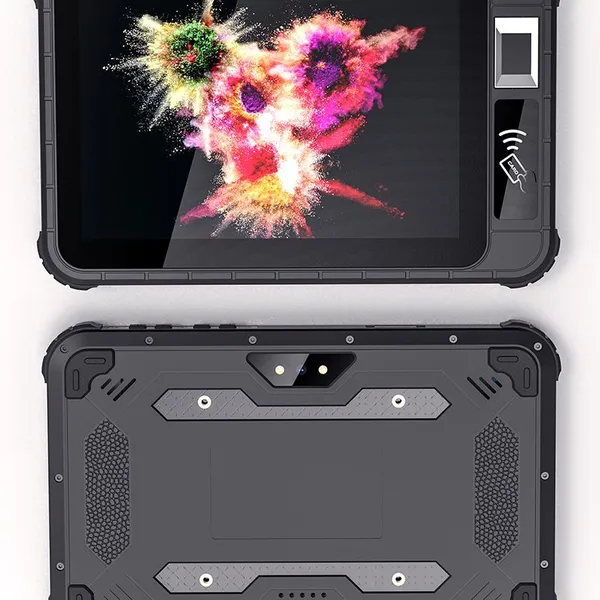
HR819 HiDON Best Price for 8'' 4G+64G/6GB+128GB Android 11 GMS IP65 Nfc Scanner Rugged Tablet Waterproof Pads Rugged Tablets PcUS$ 236 - 256MOQ: 1 Piece
-
HR867 Hidon OEM 8 Inch Android 11Rugged Tablet HR867 With Front NFC Fingerprint 2D Barcode Scanner UHF RFID SMA RS232 RJ45 PortUS$ 234 - 254MOQ: 1 Piece
-
HR818C Hidon Best Price 8'' Android 13 4GB+64GB IP65 Rugged Tablet PC With NFC 2D Barcode Scanner FBI Fingerprint UHF RFID IRISUS$ 208 - 228MOQ: 1 Piece
-
HR818A Hidon 8'' Android Rugged Tablets Industrial Pad Pc With Optional NFC 2d Barcode Scanner and FBI Fingerprint ScannerUS$ 218 - 238MOQ: 1 Piece
-
HR807 Cheapest Factory 8 Inch Android 9 IP65 2GB+32GB 4G Industrial Tablet PC Computer With Front NFC and Fingerprint ScannerUS$ 150 - 170MOQ: 1 Piece
-
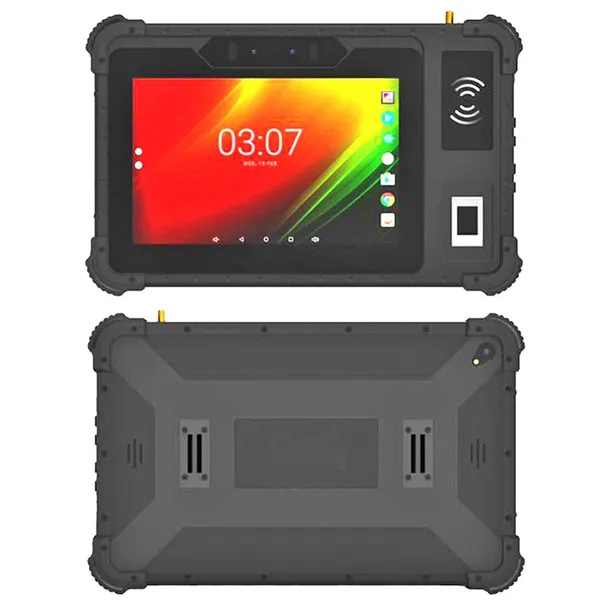
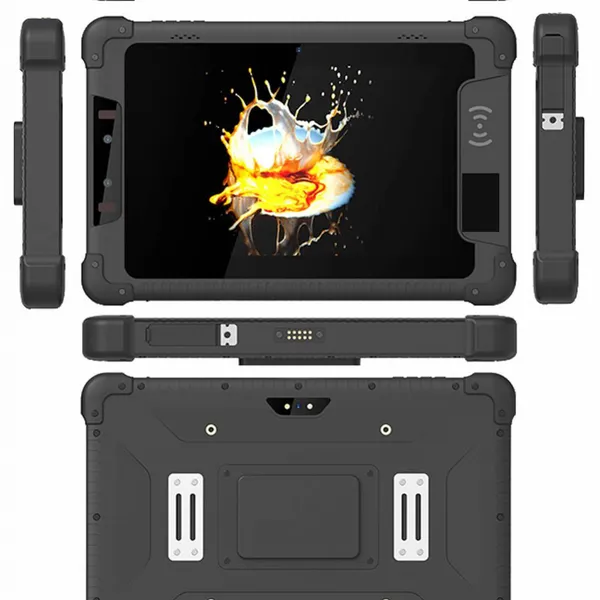
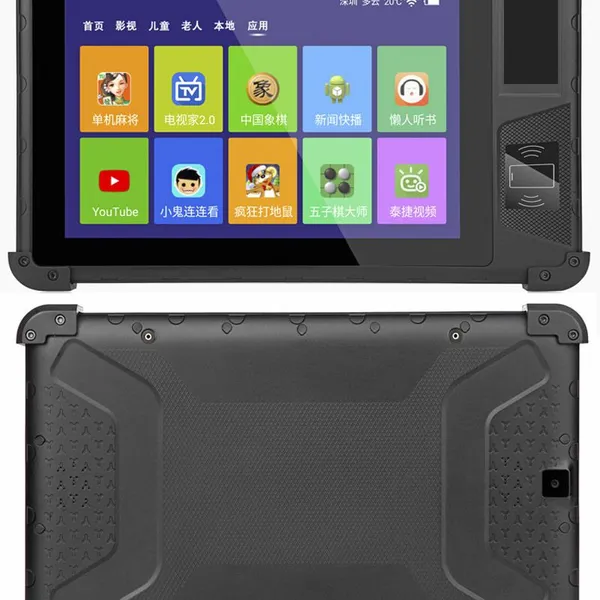
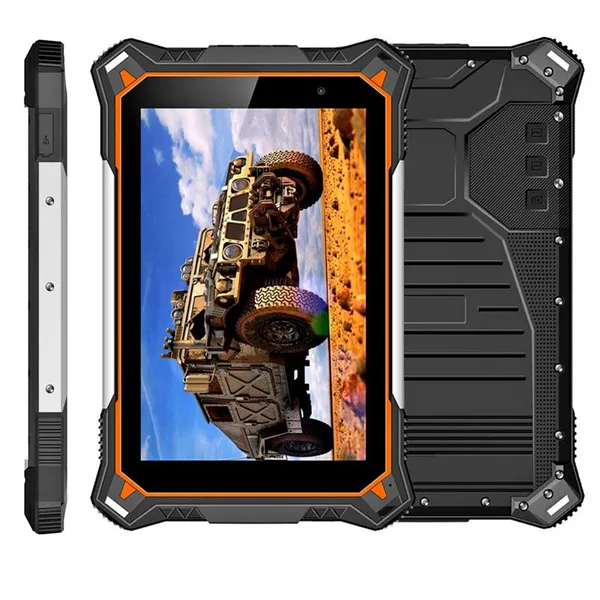
HR828F Hot Sale Cheapest Factory Best Price 8 Inch FHD 8-core IP68 Android Rugged Tablets, Android Waterproof Rugged Tablet PC ComputerUS$ 163 - 193MOQ: 100 Pieces
-
H68T Android 14 Explosion-Proof PDA | Octa-Core 2.2GHz, 8GB RAM, 128GB ROM | IP68 & MIL-STD-810G Rugged PDAUS$ 300 - 332MOQ: 1 Piece
-
HF501 Hidon Factory 5.0 Inch Android 12 4GB+64GB IPS HD Screen 4G Handheld Terminal PDAs With NFC Fingerprint and 2D Barcoder ScannerUS$ 139 - 159MOQ: 1 Piece
-
HP575 Hidon Factory 5.0 Inch Android 12 4GB+64GB IPS HD Screen 4G Handheld Terminal PDAs With NFC Fingerprint and 2D Barcoder ScannerUS$ 190 - 210MOQ: 1 Piece
-
B8500 Cheapest Factory 6.52 Inch 8GB+128GB 5G Rugged Smartphone IP68/IP69K MIL-STD-810G 6.52" HD+ 48MP Camera 5000mAh NFC ThermometerUS$ 499 - 519MOQ: 1 Piece
-
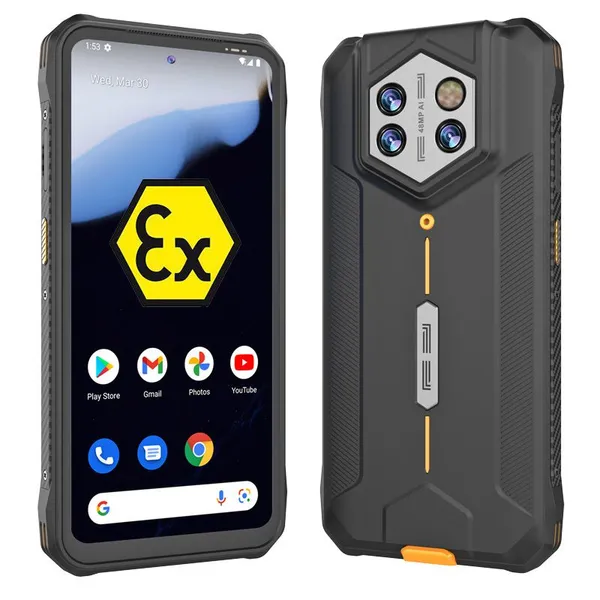
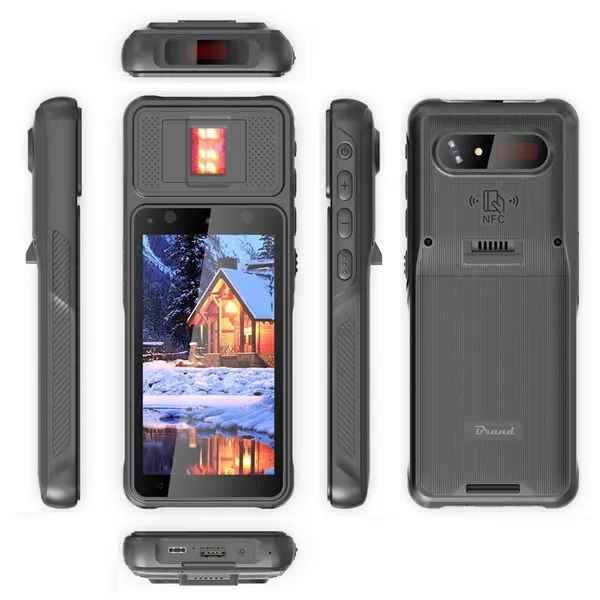
X9 Cheapest Factory Android 8.1 6.26 Inch 4GB+128GB IP54 4G Rugged Mobile Smartphone Support PTT SOS GPS FunctionUS$ 197 - 217MOQ: 1 Piece
-
M1pro Cheapest Factory 6.08 Inch 4GB+64GB IP68 Android 13 Rugged Mobile Phone With PTT NFC SOS GPS Fingerprint FunctionUS$ 301 - 321MOQ: 1 Piece
-
B8900 Cheapest Factory 6.3 Inch MTK6833 8GB+256GB Android 12 NFC Explostion-proof ATEX Smart Phone With 2D Scanner Google ServiceUS$ 603 - 623MOQ: 1 Piece
-
HR70R Hidon Cheapest Factory 7'' RK3568 Ubuntu Linux Android 11 Industrial Tablet PC With RJ45 USB Audio Output Ports and VESA BackUS$ 178 - 198MOQ: 1 Piece
-
HU1095 Hidon Factory 10.95 Inch Android 4GB+64GB FHD Smart Home Tablet PC for Food Ordering With Wall Magnetic Charging With RJ45 POEUS$ 64 - 77MOQ: 1 Piece
-
HU1009 Hidon Factory Price 10'' Android RJ45 POE Wall Mount Charge Magnetic Food Ordering Restaurant Tablet PC Computer for RestaurantUS$ 64 - 77MOQ: 1 Piece